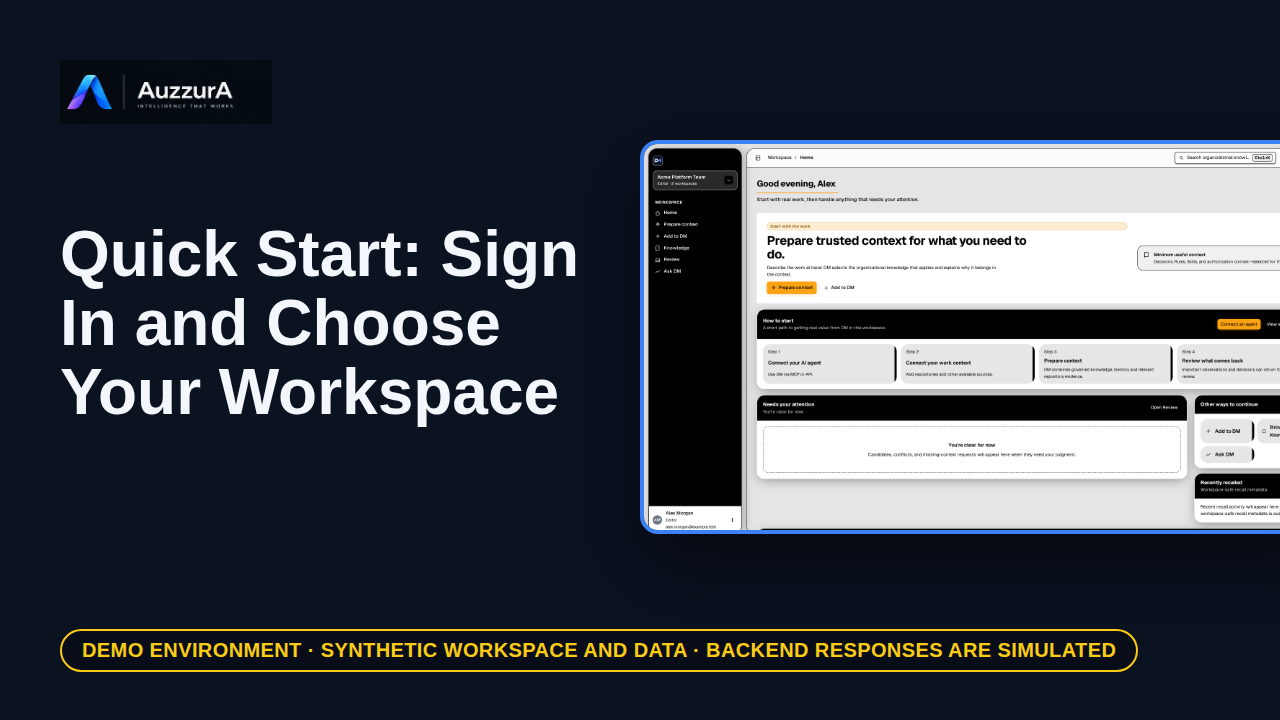
Sign in and choose your workspace
Reach the right workspace before doing anything else. Sign in once, then check which workspace is active.
For: New or invited pilot user
Learn DM
Every lesson has numbered steps you can follow without watching, an optional video with captions, and a readable transcript.
New to DM?
6 lessons · about 3 min 42 s in all. Each one stands on its own and points to the next.
6 steps · each lesson stands alone
30 lessons
A short playlist that follows one example from sign-in to a decision you can reuse.
Reach the right workspace before doing anything else. Sign in once, then check which workspace is active.
For: New or invited pilot user
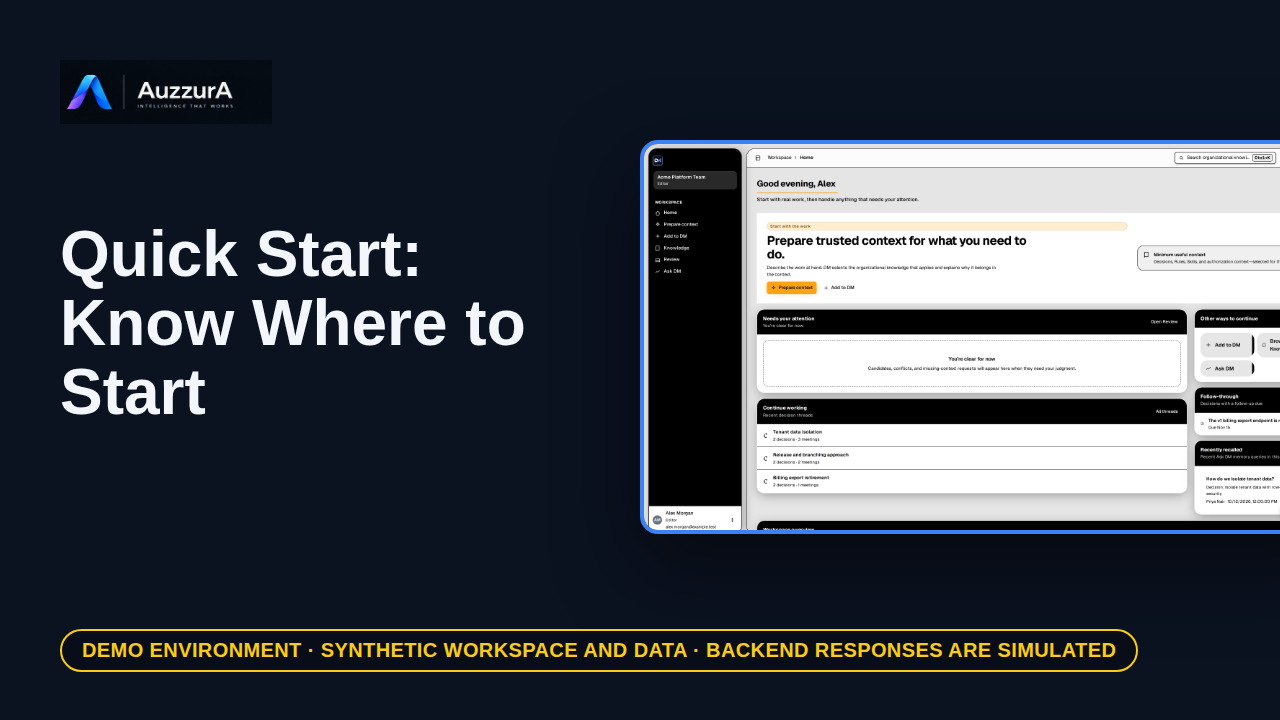
Know the three places you will use: the Home queue, Add to DM and Knowledge. Three places are enough to get started.
For: Any signed-in workspace member
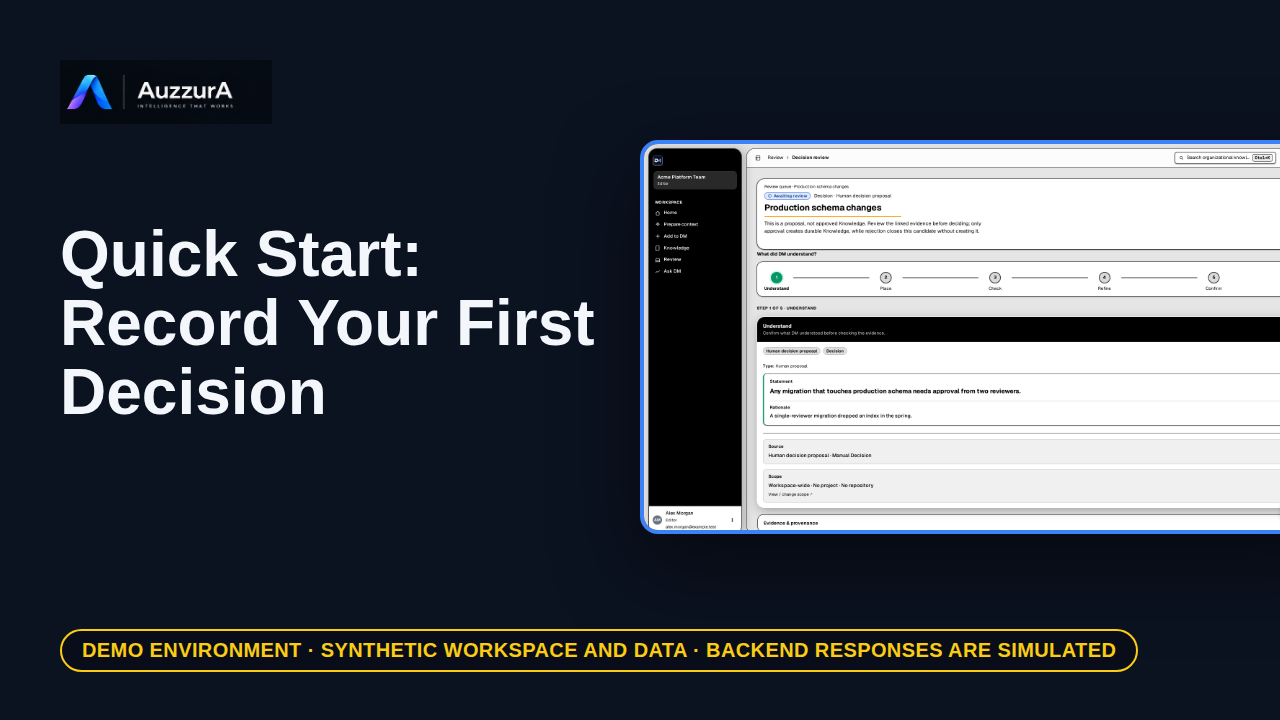
A decision candidate with its rationale is saved for review. Write the decision first. Add the reason while it is fresh.
For: Workspace member who can create decisions
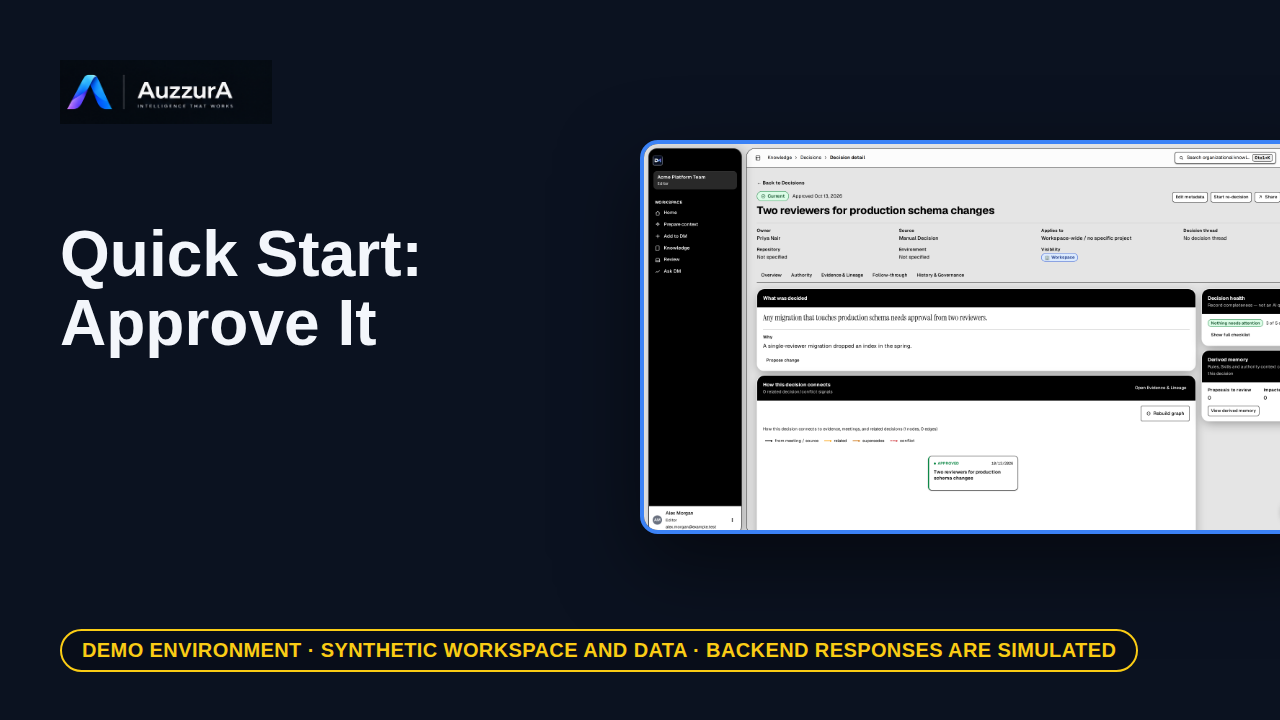
The candidate becomes approved team knowledge. Until a person approves it, it is only a proposal.
For: Reviewer or workspace decision owner
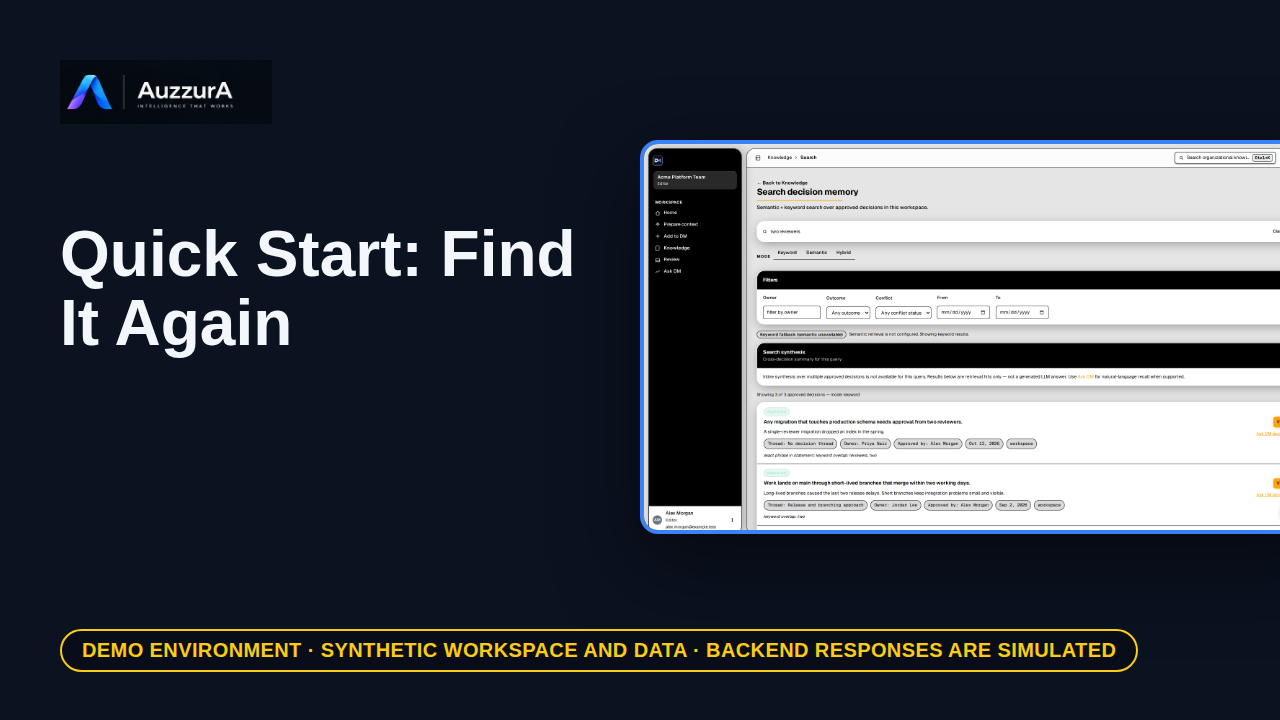
Find the decision, its reason and its evidence. Months later, search beats remembering.
For: Any authorized workspace user
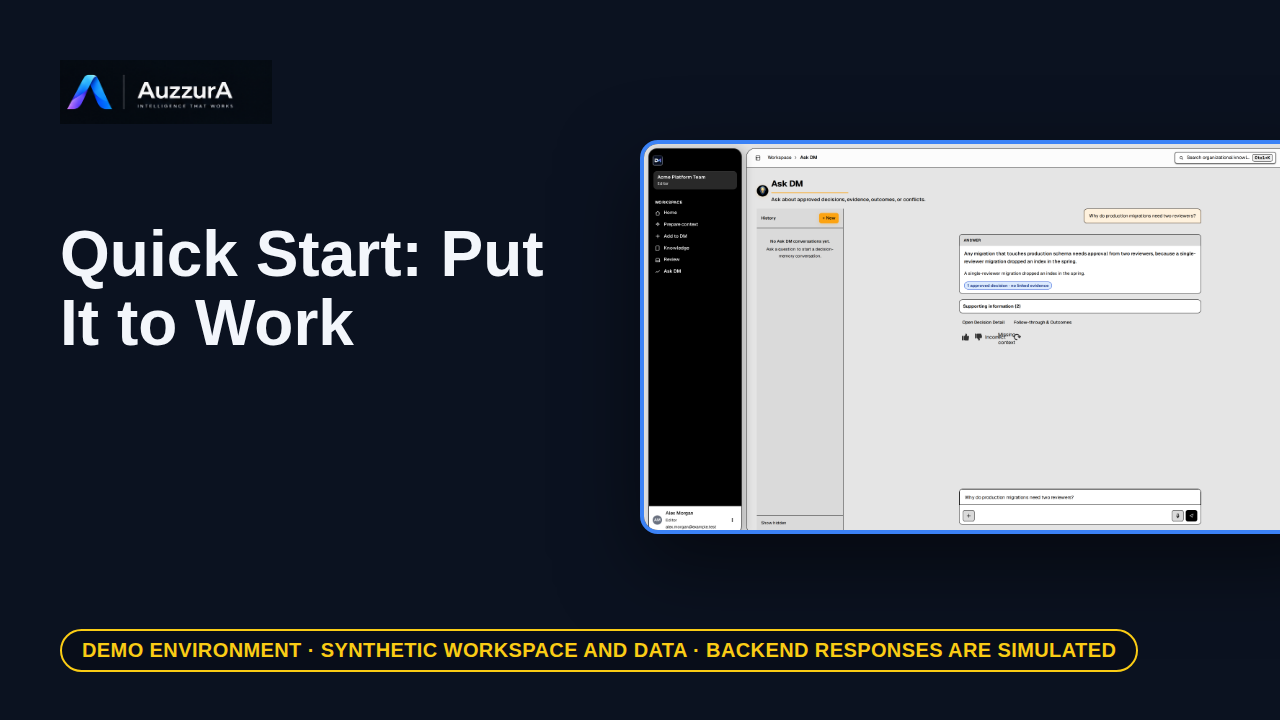
Ask DM from the decision, and hand it to an agent task as context. An approved decision is only useful if it is used.
For: Workspace member and agent user
Sign in, find your way around and learn what each part of DM is for.
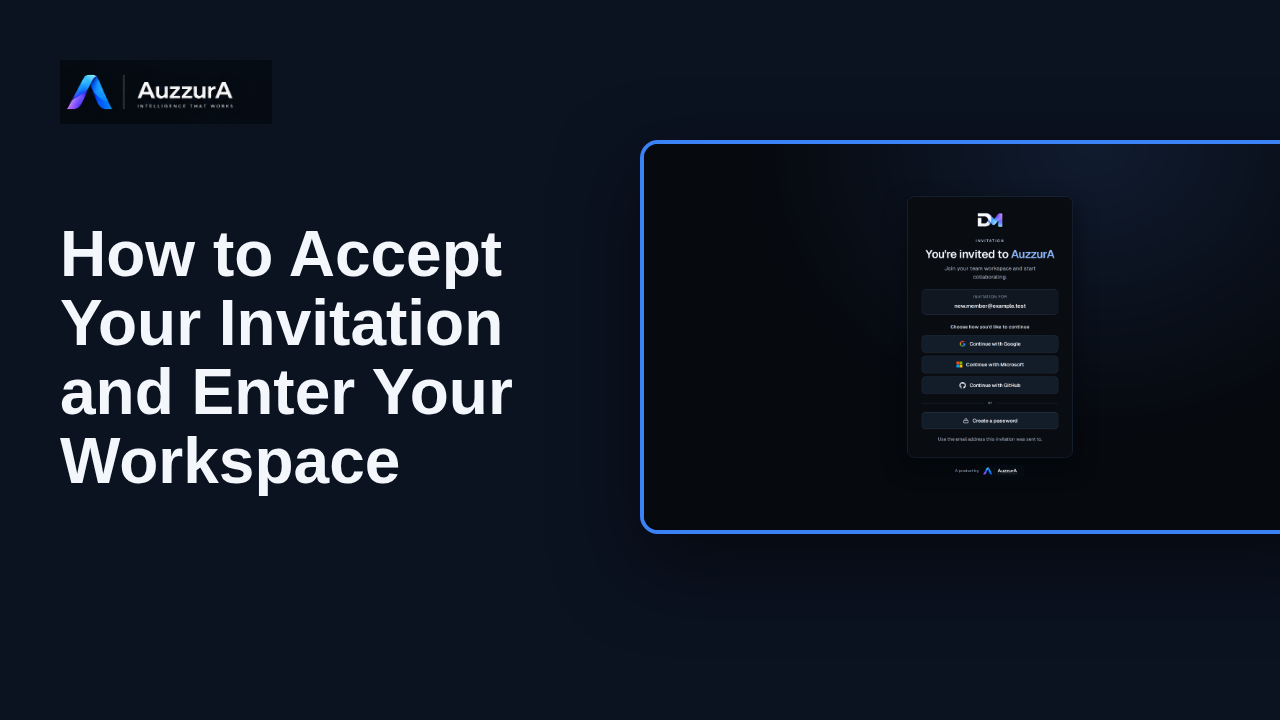
Complete the invitation acceptance path and arrive in the invited workspace. Your invitation is the doorway to your team’s workspace in DM.
For: Invited user
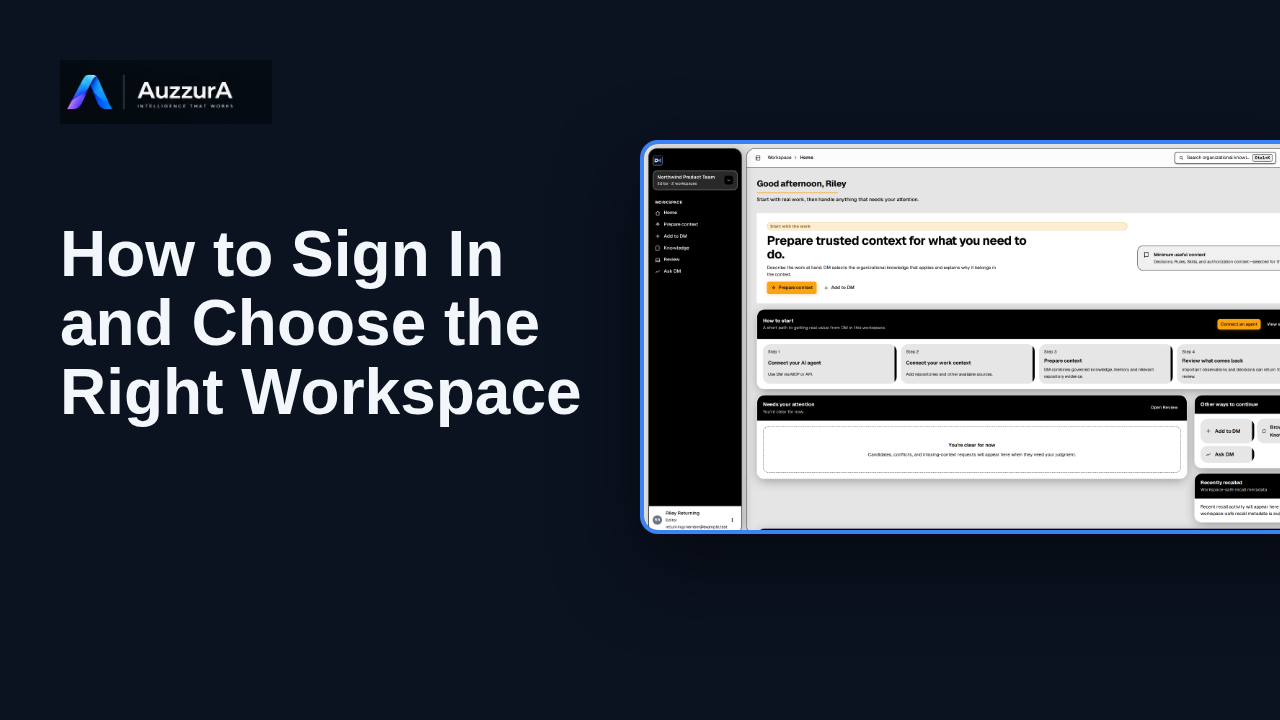
Confirm correct workspace and permissions before working. Already signed in? Before working, check which team workspace is active.
For: Invited pilot user
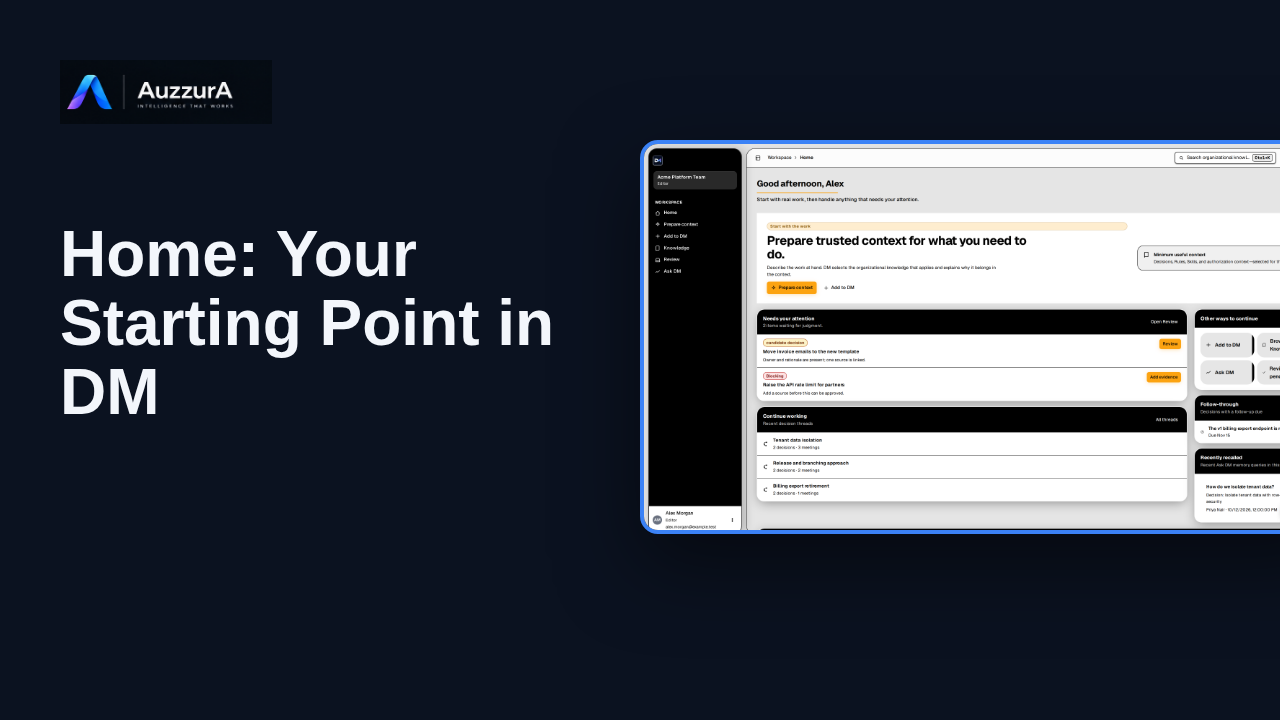
Orient new users to DM Home and the main areas that need attention.
For: Any signed-in workspace member
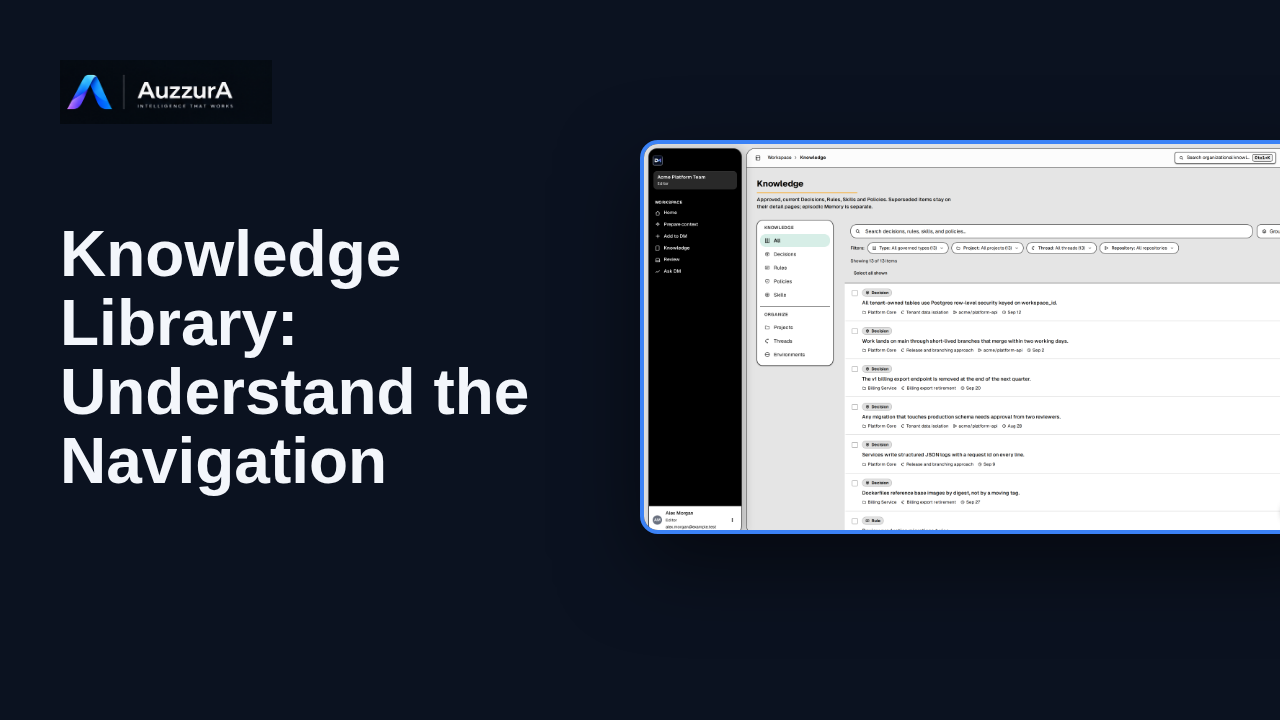
Find approved decisions, rules, skills and related team context in DM’s Knowledge library.
For: New workspace member
See how public self-serve sign-up works from https://dm.auzzura.com/login, and what happens after you submit.
For: New user creating an account
Confirm email verification before working and show the correct sign-in redirect. Before your first session, confirm that the email address belongs to you.
For: Newly registered user
One task, start to finish, with numbered steps you can follow without the video.
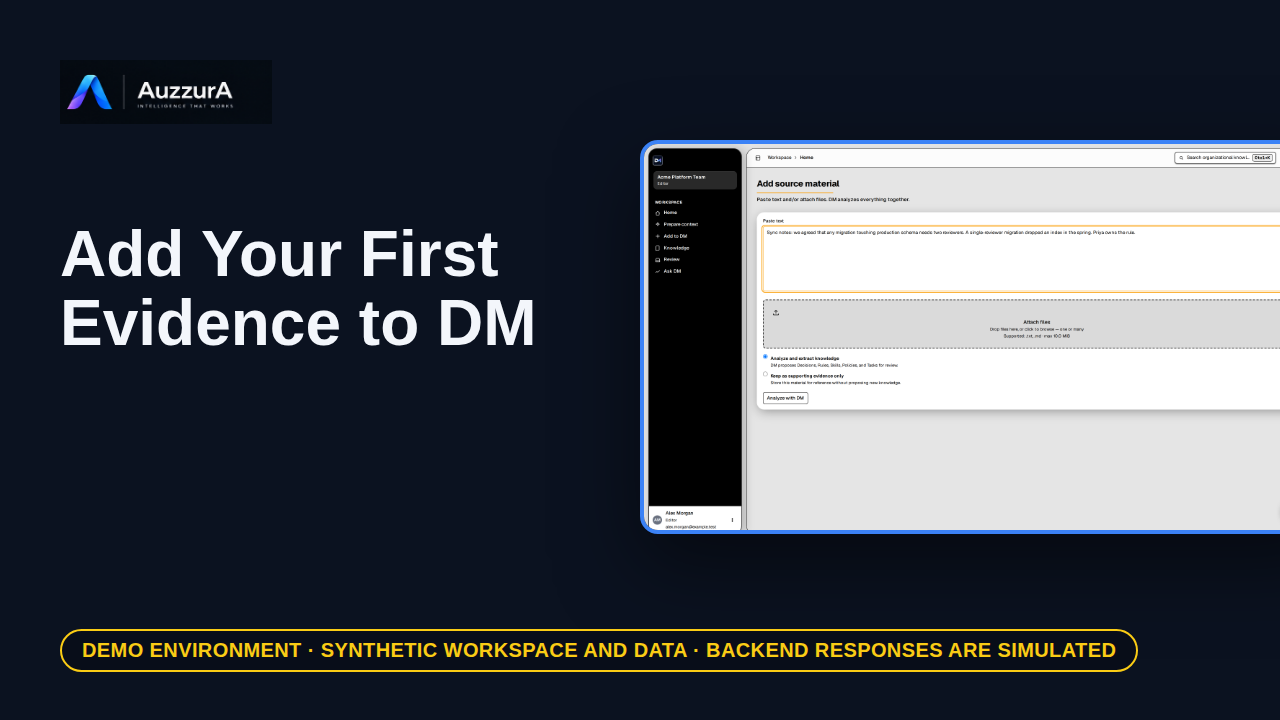
Start from one relevant source rather than recording everything. A team decision often starts in a document, a ticket, or a meeting note.
For: Workspace member
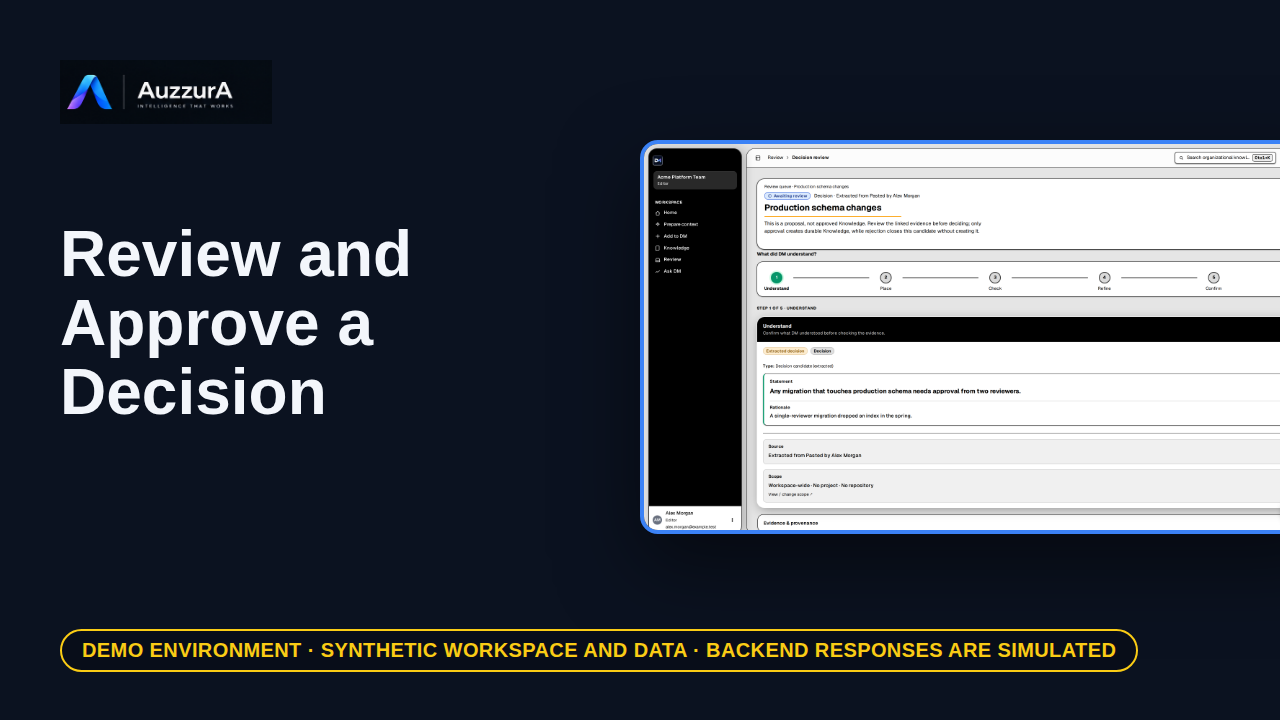
Demonstrate why AI extraction is not automatically team policy. DM proposes what it found. Your team decides what becomes trusted.
For: Reviewer / workspace decision owner
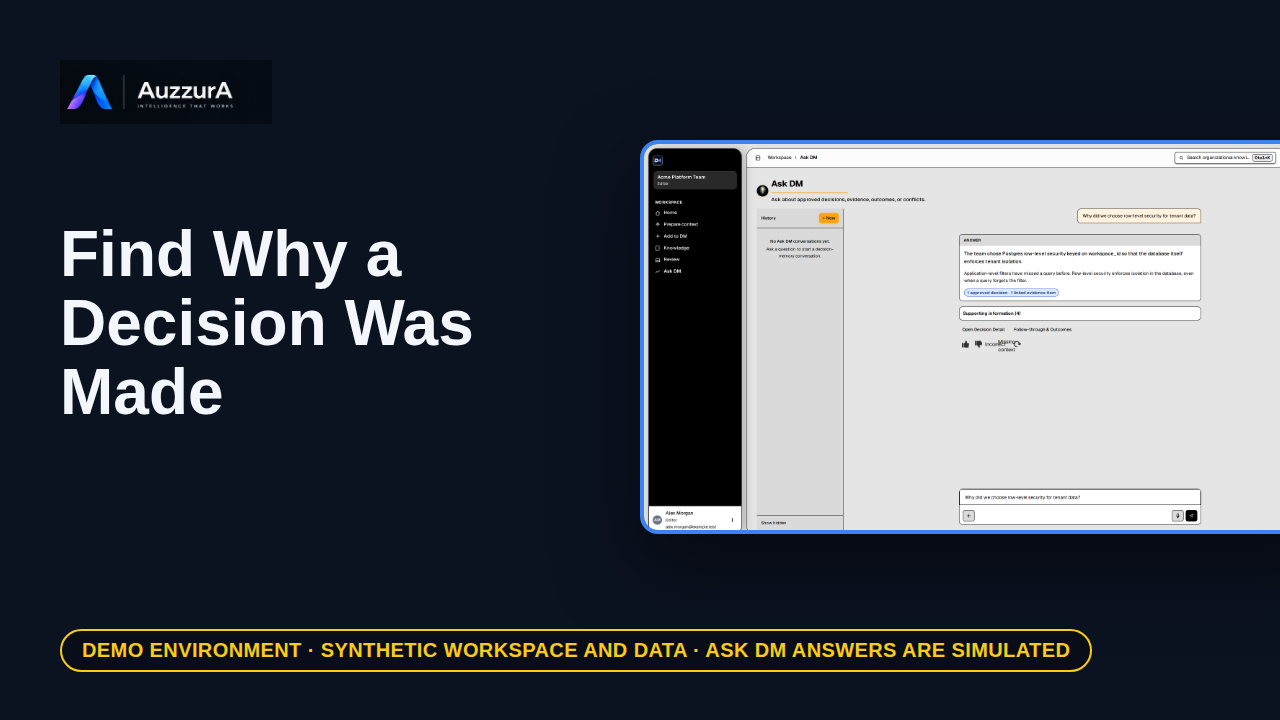
Retrieve rationale, evidence and change history without chasing old messages. You found the implementation. But why was that choice made?
For: New engineer or tech lead
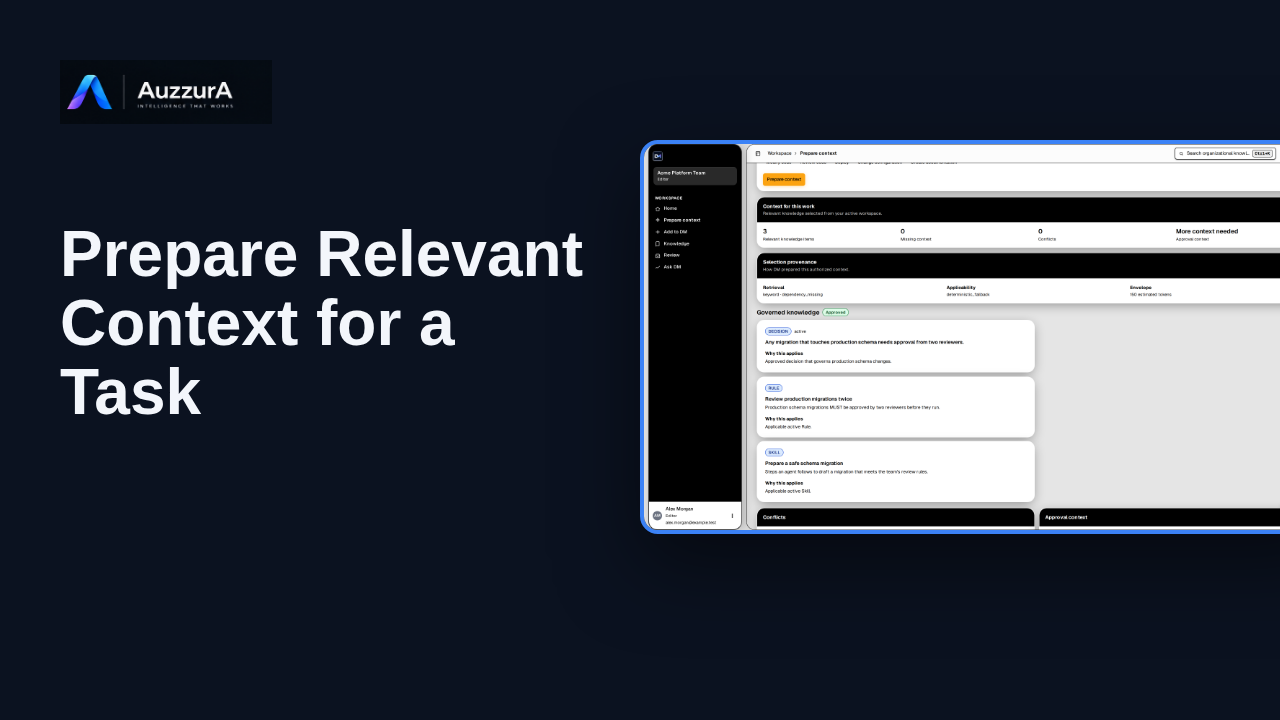
Create a bounded context package from approved knowledge. Before your AI agent changes code, give it the decisions that apply.
For: Coding-agent user
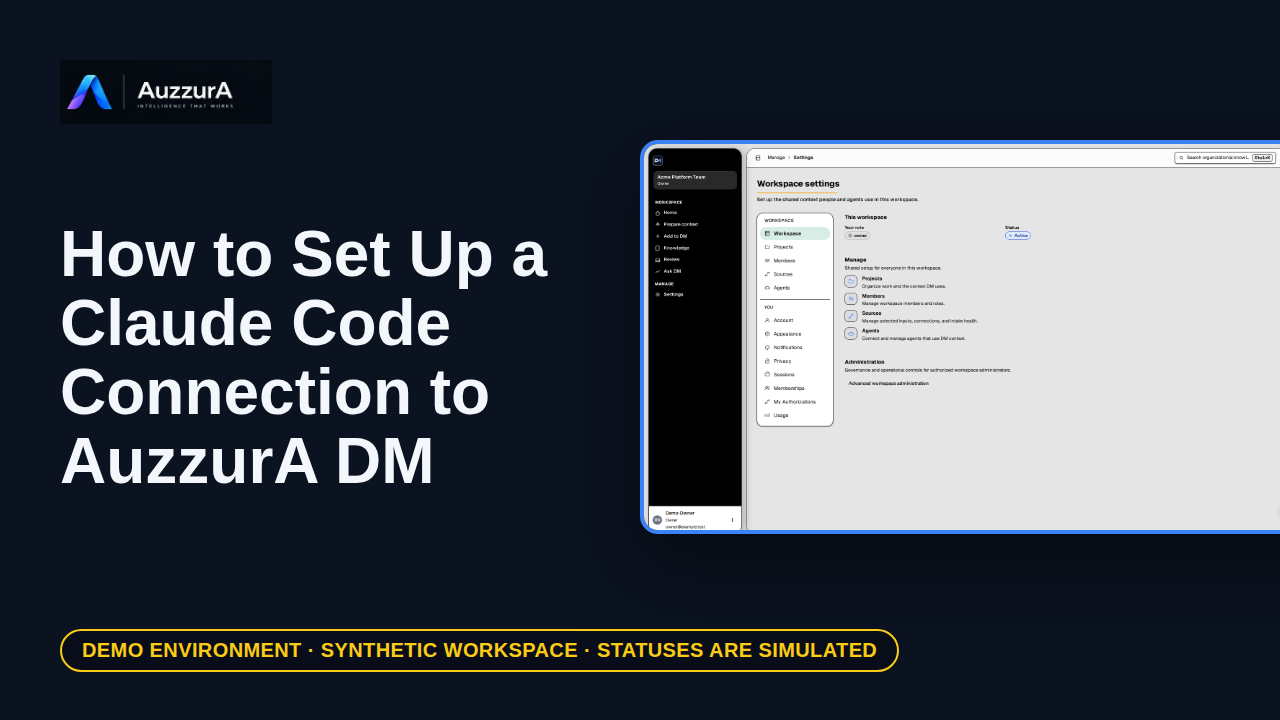
Create a workspace agent, then prepare the Claude Code connection it will use.
For: Pilot developer
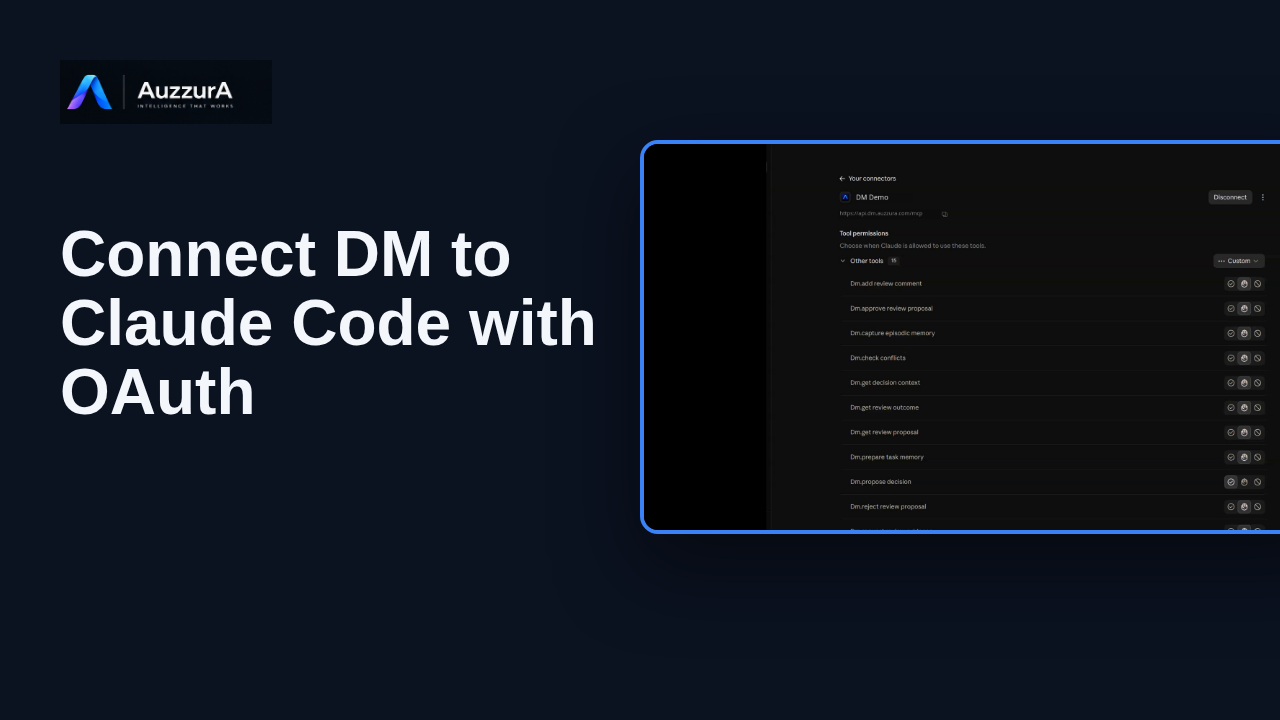
Connect DM to Claude with OAuth and verify access to DM tools in Claude.ai and Claude Code for approved team context.
For: Developer using Claude Code
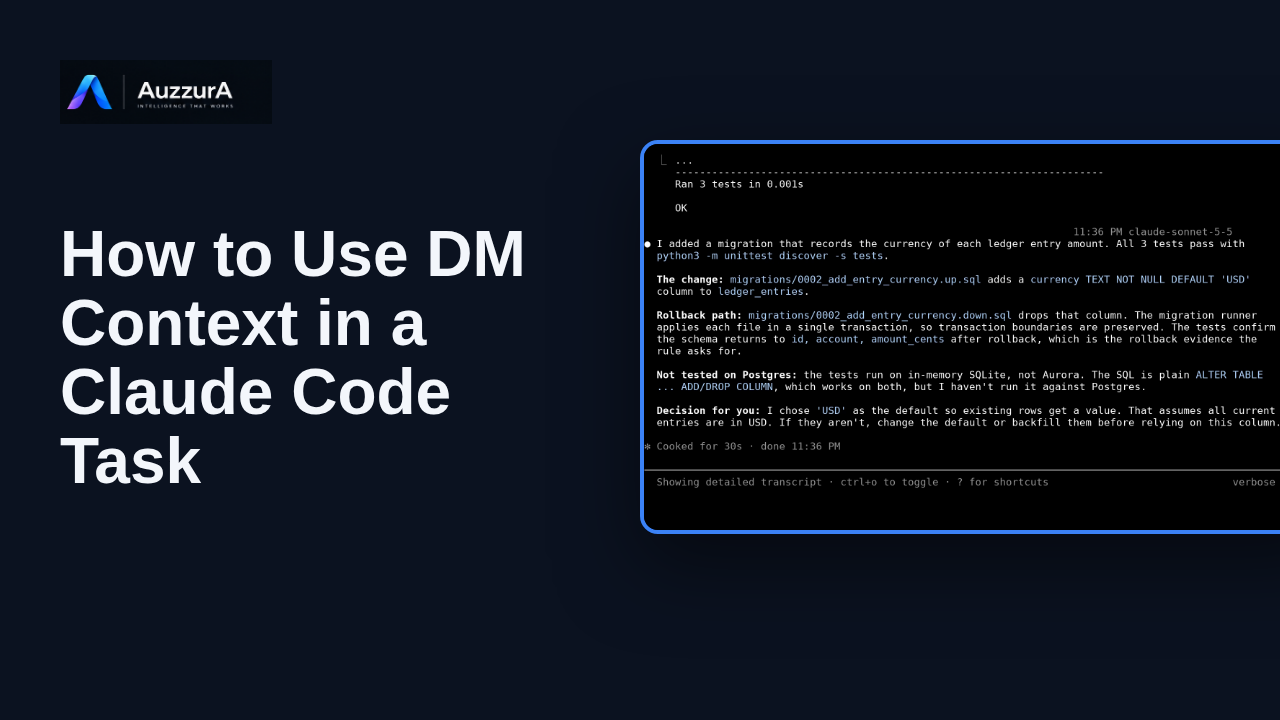
See Claude Code call dm.prepare_task_memory, apply approved context to a coding task, and report the tested result.
For: Developer using Claude Code
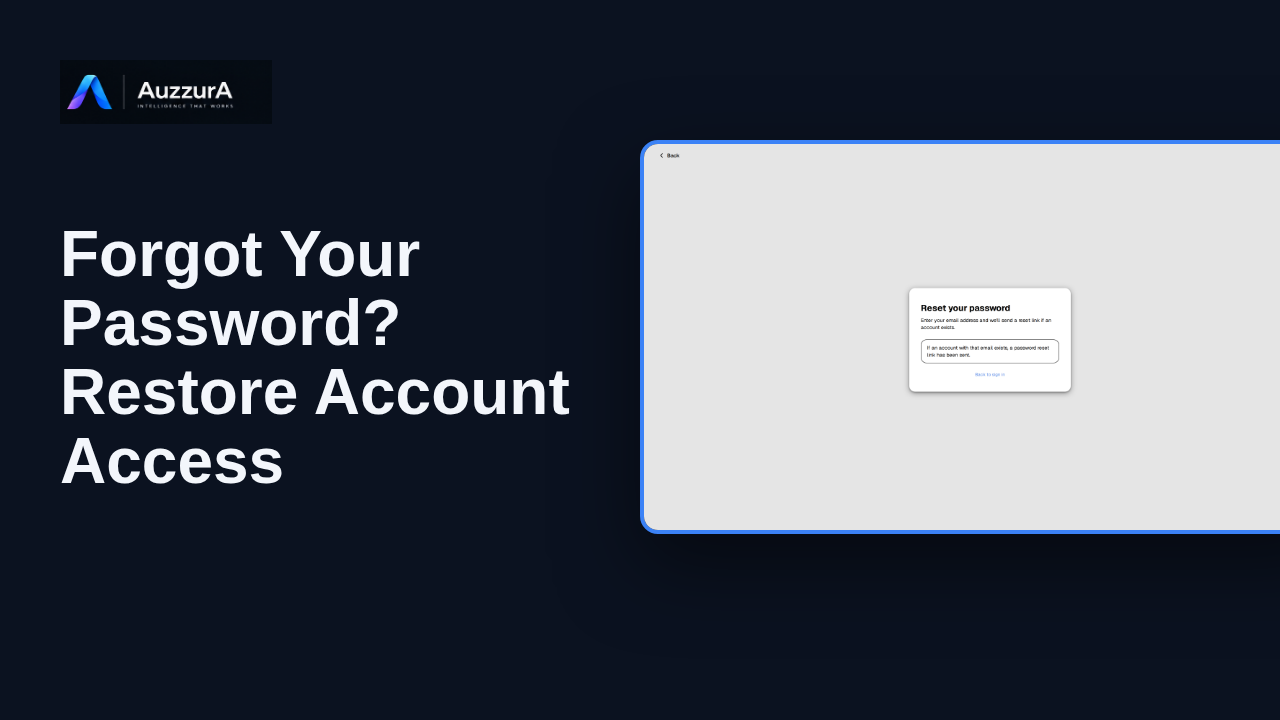
Show the safe reset request and return to sign-in without exposing reset tokens. If you use a password and cannot sign in, you can request a reset.
For: Returning email/password user
What each major screen is for. Tours explain; the how-to tutorials complete tasks.
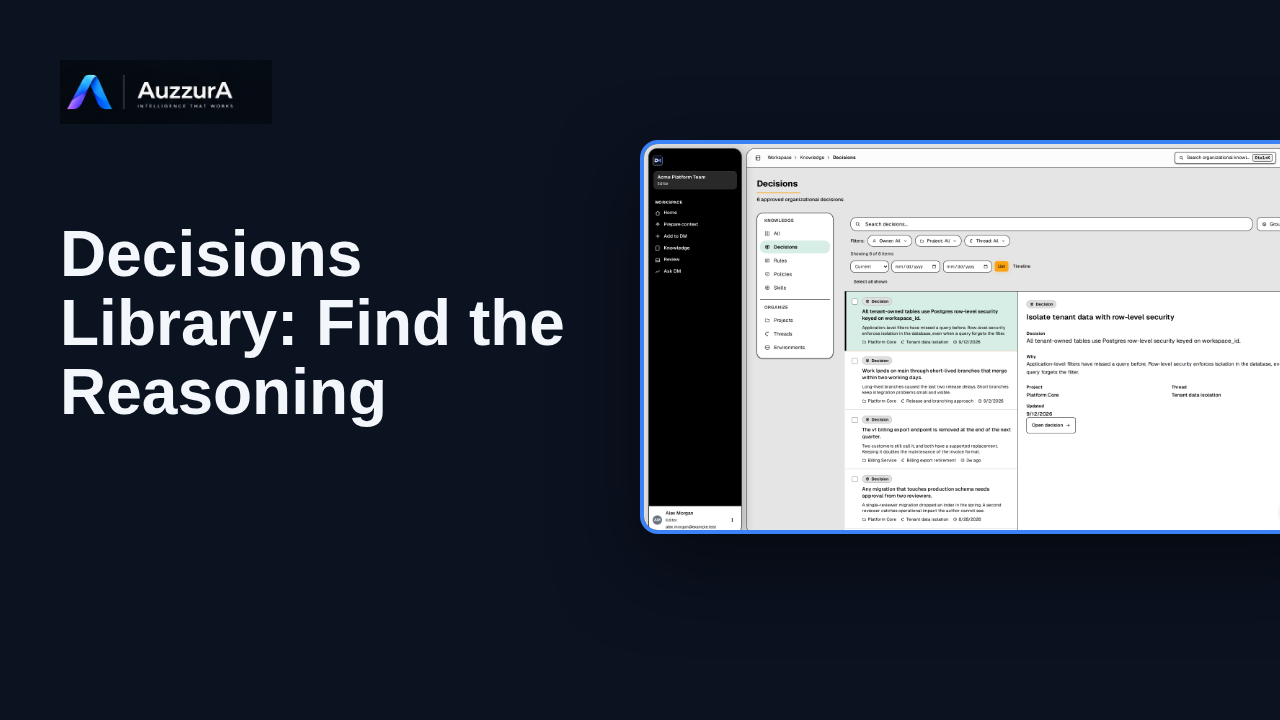
Find a decision’s rationale, owner and source in the Decisions library.
For: Engineer, product owner or reviewer
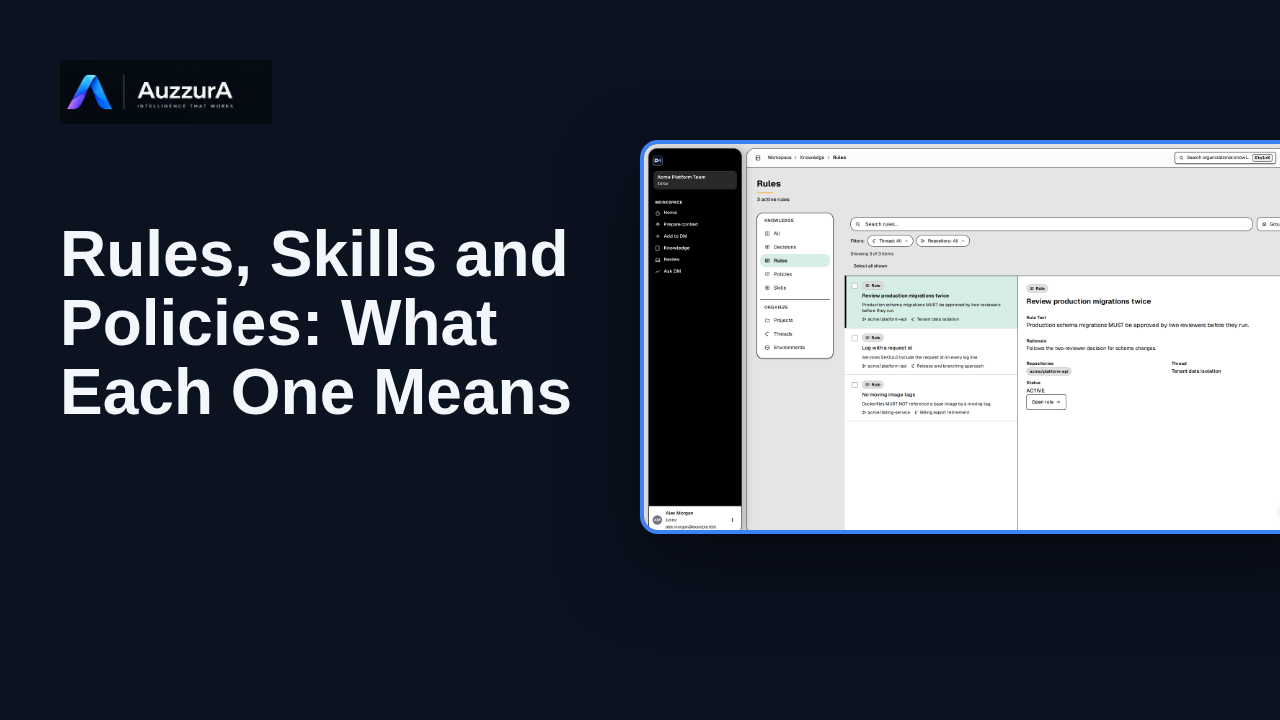
Explain the differences between the main Knowledge types and where to inspect them. Not everything your team remembers is the same kind of knowledge.
For: Member and admin
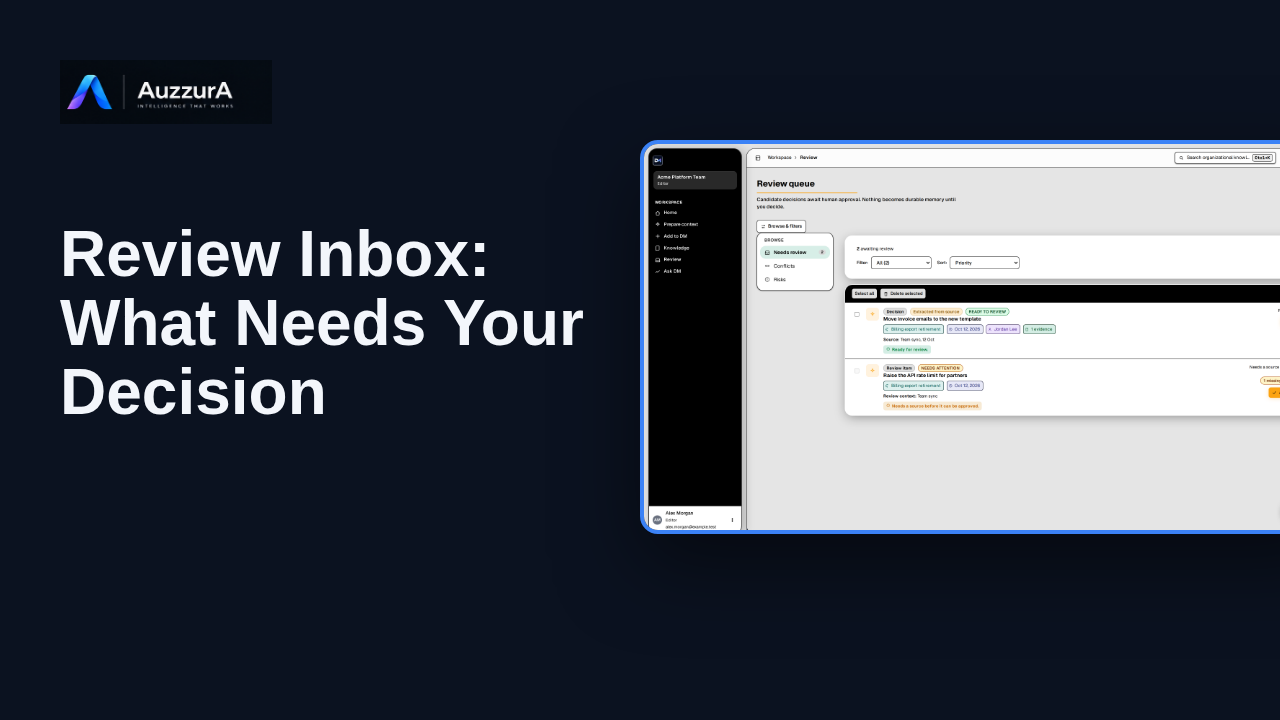
Show how to interpret the review queue before diving into detailed approval. The Review Inbox is where proposed knowledge waits for someone to judge it.
For: Reviewer or workspace decision owner
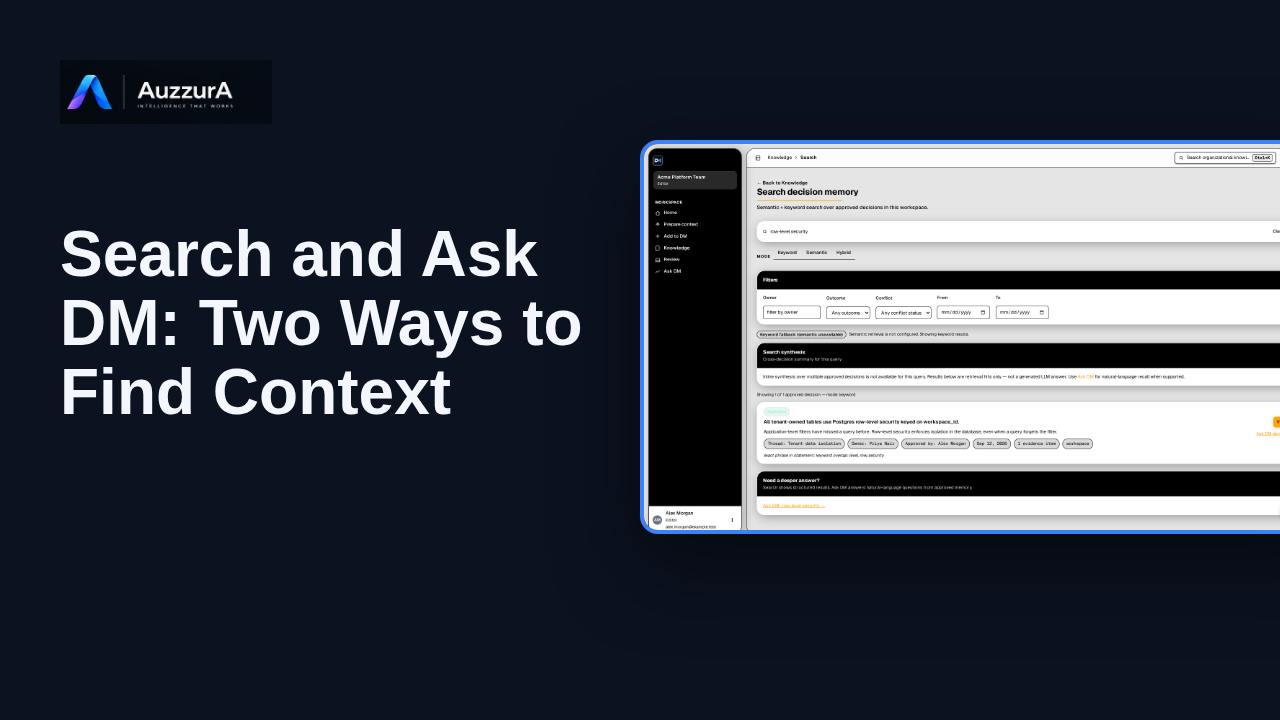
Orient users to search/navigation versus natural-language answer with citations. You do not need to remember a document title to find the decision behind it.
For: Any authorized workspace user
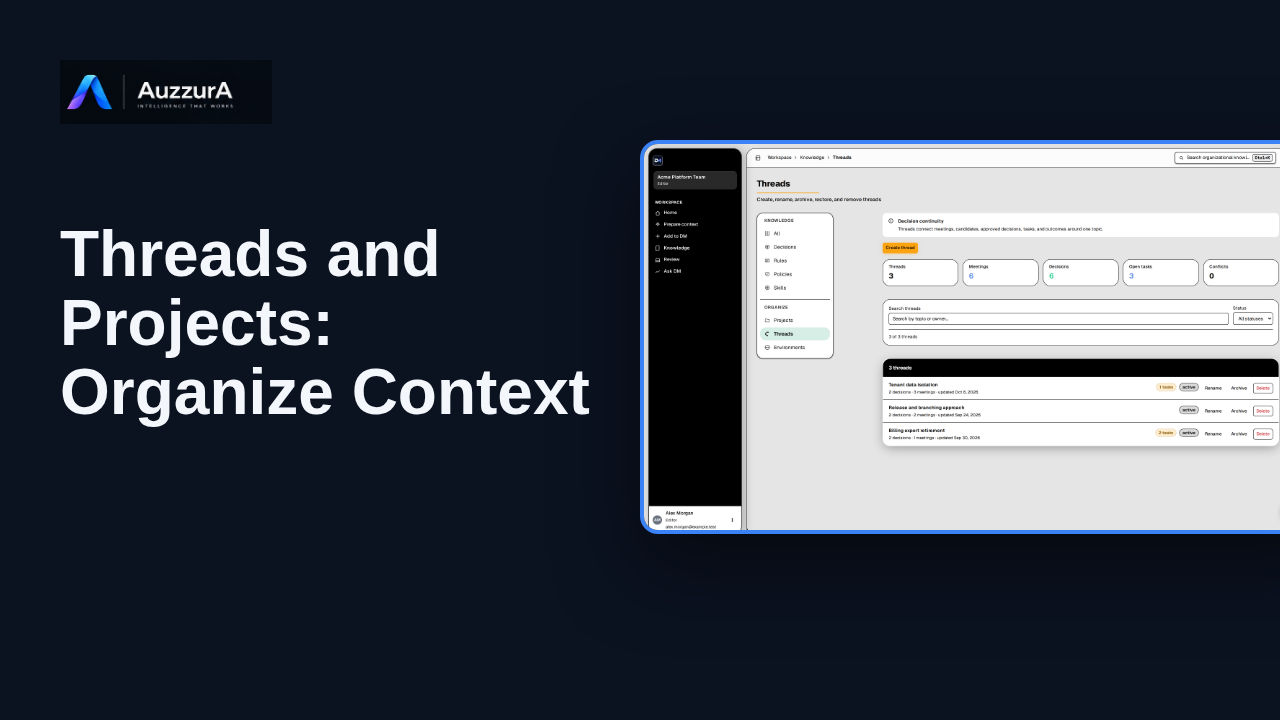
Explain how topic continuity and project organization work in the Knowledge section. Decisions change over time. Threads help keep their history connected.
For: Workspace member or project lead
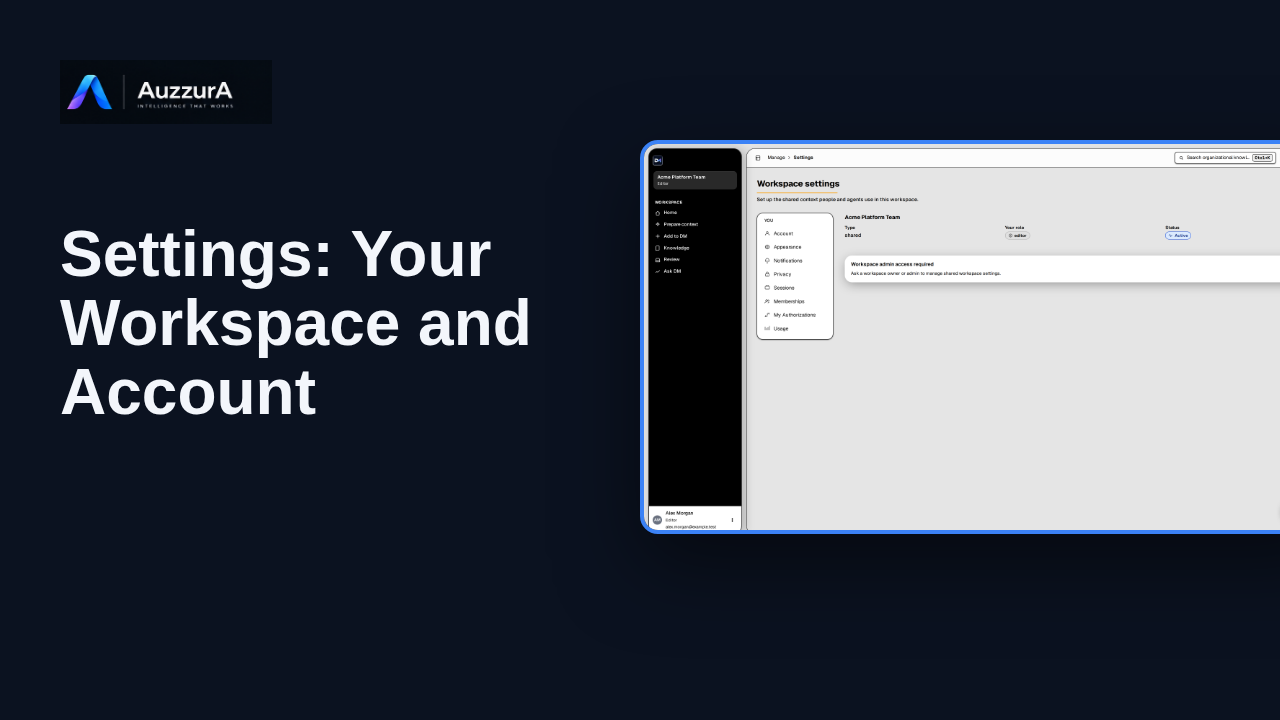
Explore workspace and account settings available to your role in DM.
For: Signed-in member
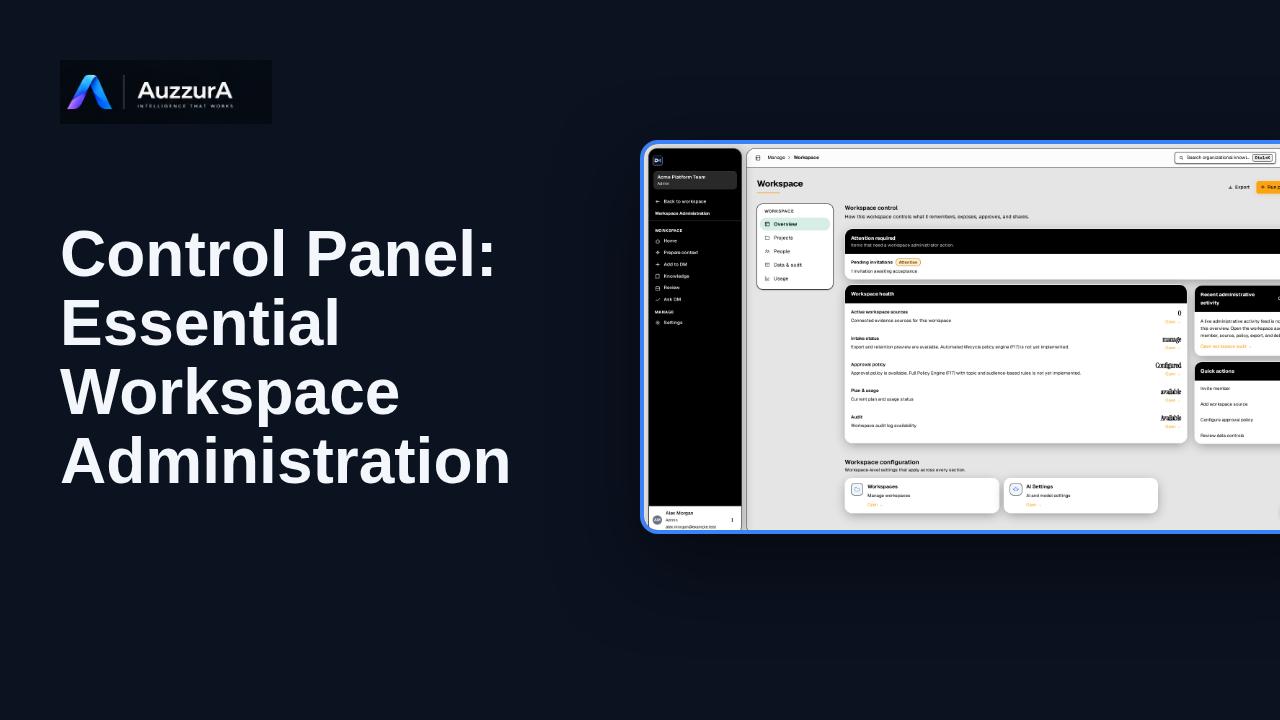
Learn where workspace admins manage members, agents, sources and governance controls.
For: Workspace owner or admin
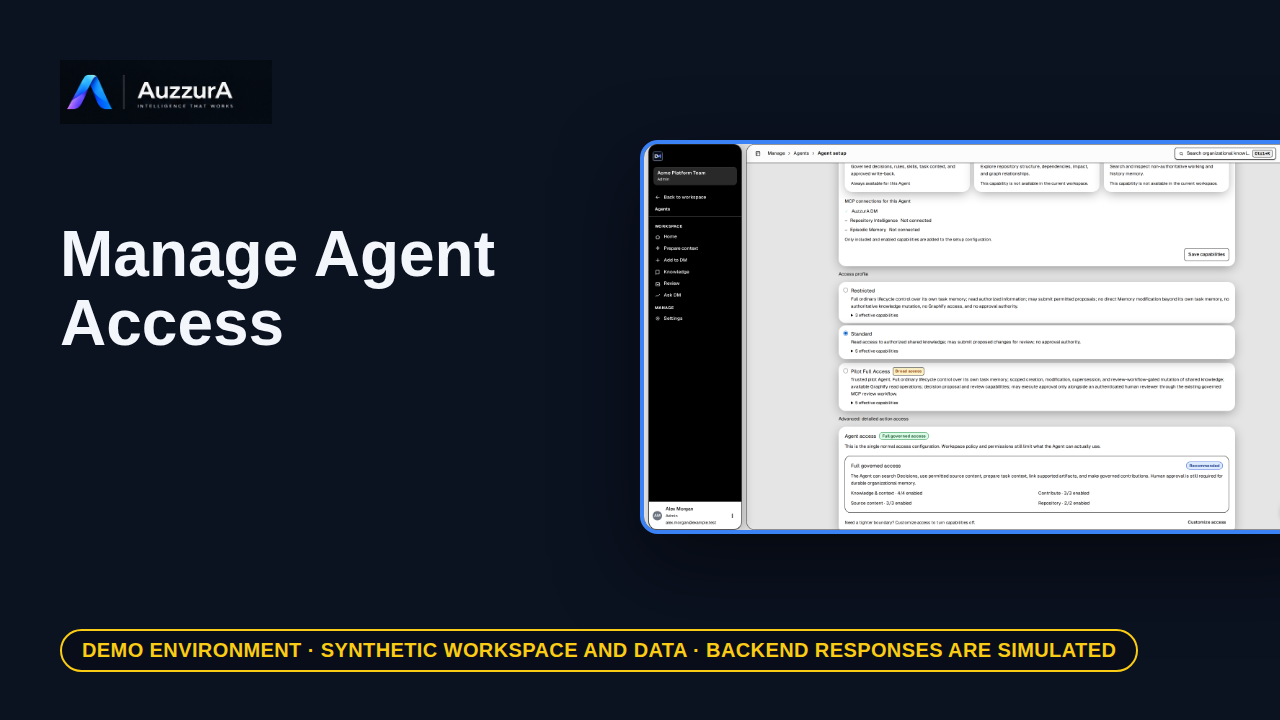
Teach admins to review which knowledge an agent can reach. An agent should receive the context it is permitted to use—not everything.
For: Workspace admin
Short stories that show the problem and the outcome.
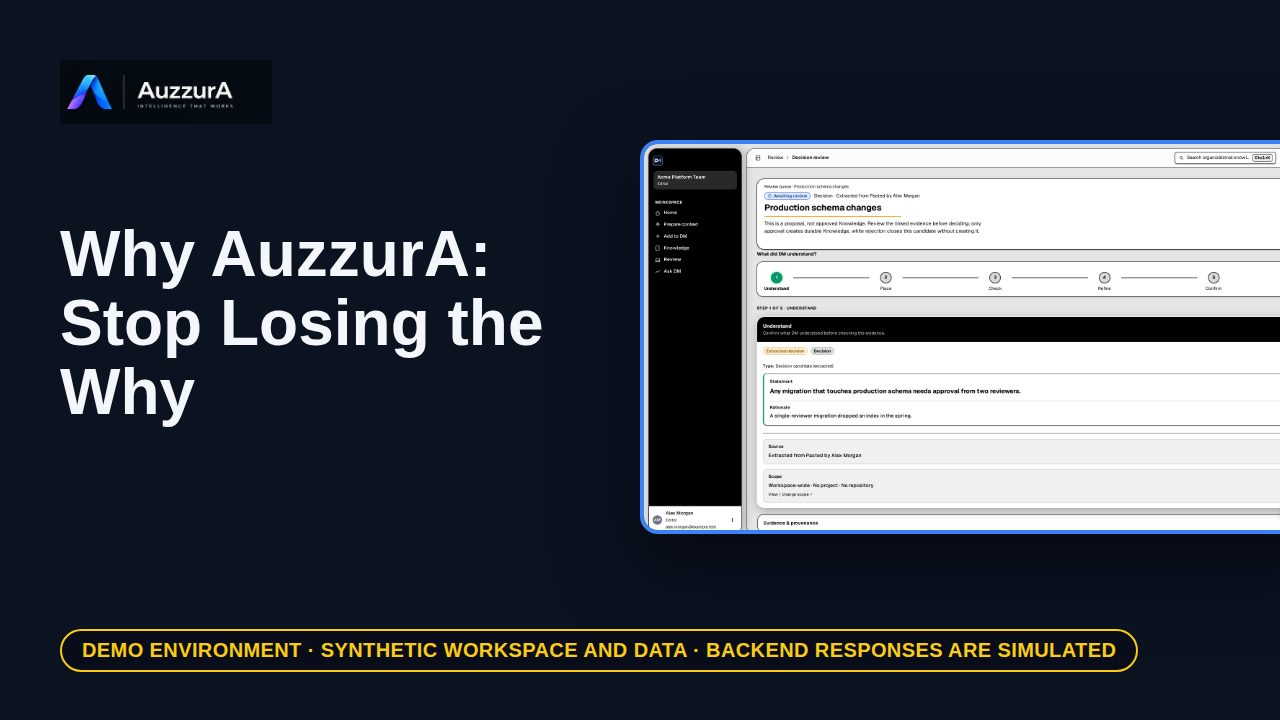
An elevator demo explaining lost decision rationale and continuity. The code tells you what changed. Who remembers why?
For: Founder, head of engineering, design partner
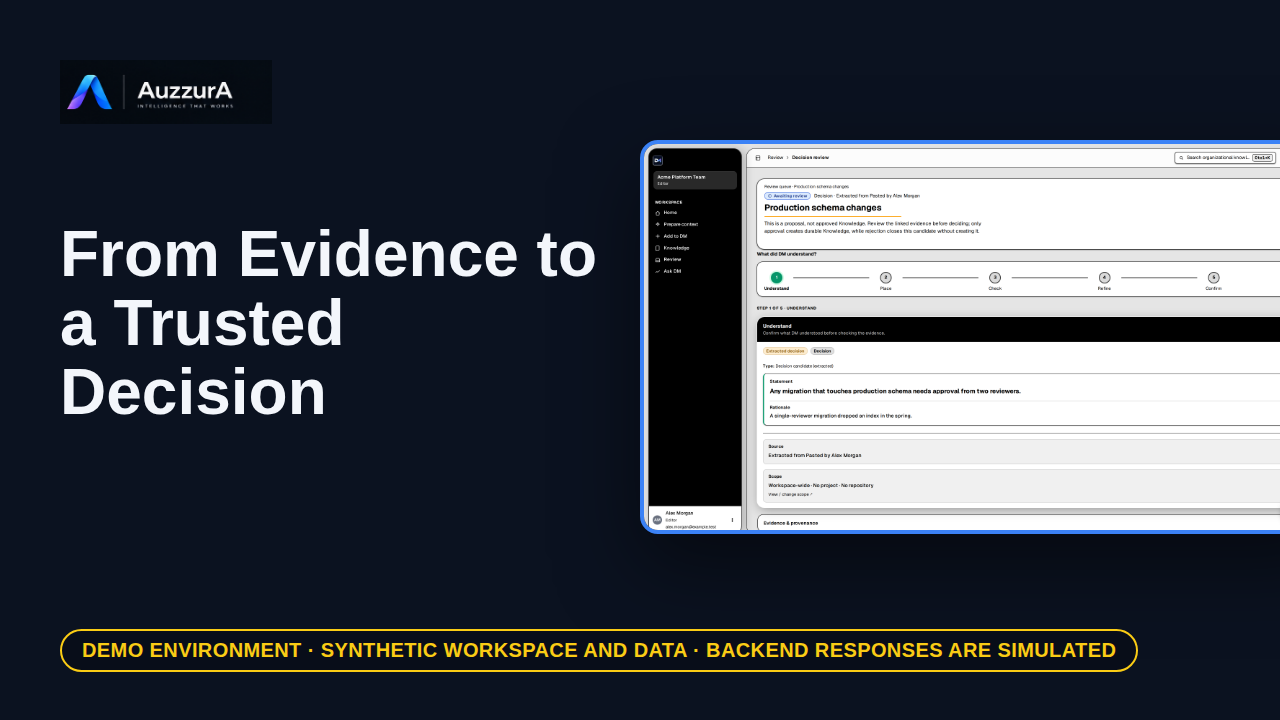
Show one end-to-end decision lifecycle with evidence and human approval. A meeting note is not an approved decision. Here is the difference.
For: Pilot buyer / engineering lead
No lesson matches that search.